
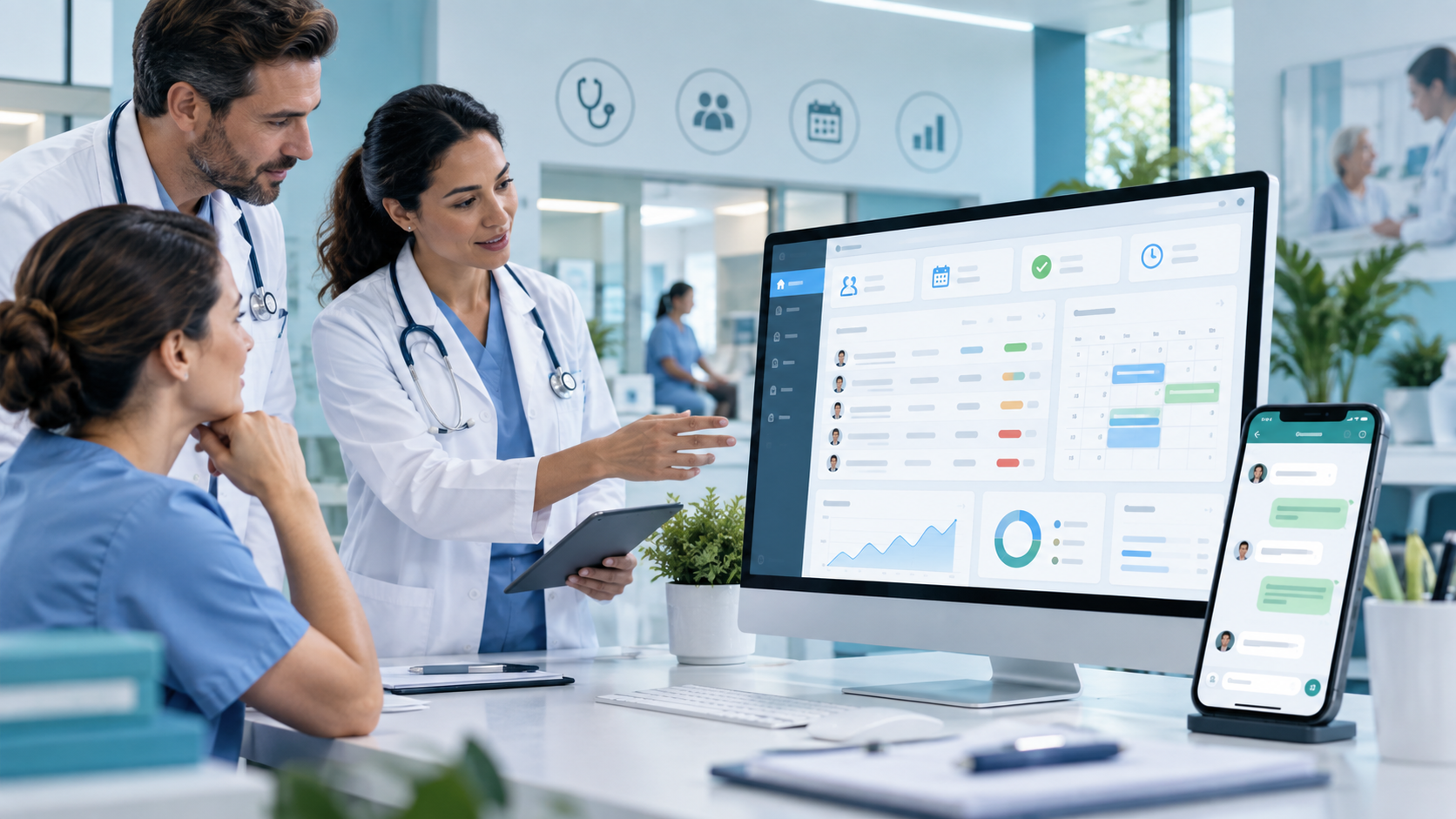
Software for Clinics and Healthcare Providers: How to Centralize WhatsApp, Patients, and Operations
Software for clinics to centralize WhatsApp, patient requests, agents, scheduling, and operations in one platform.
Claro. Te lo dejo completo en inglés, listo para pegar en la pestaña English del blog.
Title
Software for Clinics and Healthcare Providers: How to Centralize WhatsApp, Patients, and Operations
Excerpt
Clinics, healthcare providers, and medical organizations receive hundreds of requests every day through WhatsApp, phone calls, forms, and other channels. When this information is handled manually, problems such as duplicate messages, unanswered requests, lack of traceability, and limited visibility into team performance can quickly appear. In this article, we explain how specialized software can centralize patient communication, organize requests, automate processes, and improve operational control.
Content
Software for Clinics and Healthcare Providers: How to Centralize WhatsApp, Patients, and Operations
Patient communication has changed significantly in recent years.
Today, many clinics, healthcare providers, medical centers, and healthcare organizations use WhatsApp as one of their main communication channels.
Patients use WhatsApp to:
- request appointments;
- confirm procedures;
- ask about authorizations;
- request information about test results;
- send documents;
- reschedule services;
- report updates;
- ask about opening hours;
- request administrative support.
The problem begins when all these conversations arrive through different phone numbers, different employees, or different WhatsApp accounts.
As the number of patients increases, managing these messages manually becomes increasingly difficult.
This is where specialized software can completely transform the operation.
A software platform for clinics and healthcare providers can centralize conversations, organize requests, assign responsibilities, measure response times, and maintain full traceability of every interaction.
Why Has WhatsApp Become a Critical Channel for Healthcare Organizations?
WhatsApp has one major advantage: patients already use it.
They do not need to install another application or learn how to use a new platform.
They simply send a message.
For a clinic or healthcare provider, this can significantly improve communication.
However, WhatsApp alone was not designed to manage complex business processes.
When an organization starts receiving hundreds or thousands of messages, new operational problems appear.
For example:
- several employees may reply to the same conversation;
- some messages may remain unanswered;
- responsibilities may not be clearly assigned;
- the history of certain requests may be lost;
- it becomes difficult to measure response times;
- there are no clear performance indicators;
- duplicate requests are difficult to identify;
- supervisors have limited visibility into workload.
These challenges do not necessarily mean the organization should stop using WhatsApp.
A better approach is to integrate WhatsApp into a centralized business platform.
What Is Software for Clinics and Healthcare Providers?
Software for clinics and healthcare providers is a platform designed to centralize and organize processes related to healthcare operations.
Depending on the scope, it may include modules for:
- patient support;
- request management;
- WhatsApp communication;
- scheduling;
- users;
- roles and permissions;
- traceability;
- documents;
- reports;
- KPIs;
- assets;
- automations;
- auditing;
- integrations.
The goal is not simply to store information.
The goal is to transform processes that currently depend on people, spreadsheets, phones, and emails into structured, measurable workflows.
Centralizing WhatsApp for Clinics and Healthcare Providers
One of the most important functions is the ability to manage WhatsApp conversations from one centralized inbox.
Instead of using multiple phones, the team can work directly from a web platform.
For example:
A patient sends a WhatsApp message.
The message automatically enters the system.
The platform can identify:
- phone number;
- date;
- time;
- request type;
- status;
- responsible agent;
- history.
From there, an operator can manage the conversation directly from the software.
This provides much better control over the entire support process.
Centralized Request Inbox
A request inbox can work in a similar way to a ticketing system.
Each conversation can become an individual request.
The platform can display information such as:
- patient;
- contact number;
- creation date;
- status;
- priority;
- service line;
- assigned agent;
- waiting time;
- latest update.
This gives both operators and supervisors a clear overview of current activity.
Automatic Request Assignment
When multiple agents are involved, manually assigning every conversation can become another operational burden.
Specialized software can automate this process.
Requests can be distributed based on:
- availability;
- department;
- workload;
- request type;
- location;
- specialty;
- schedule;
- priority.
This can help distribute work more efficiently across the team.
Managing Different Service Lines
Many healthcare organizations manage different phone numbers or service areas.
For example:
- appointments;
- authorizations;
- laboratory;
- diagnostic imaging;
- patient support;
- billing;
- technical support.
A centralized platform can manage all these service lines without losing the classification of each request.
The operator can quickly identify where the conversation came from and which process should be followed.
Complete Traceability
One of the biggest problems with managing processes only through WhatsApp is the difficulty of reconstructing what happened later.
A software platform can automatically record:
- who received the request;
- who handled it;
- when it was assigned;
- when it was answered;
- whether it was reassigned;
- what changes were made;
- how long it took to close.
This creates complete traceability.
For healthcare organizations, this information can be especially valuable from an operational and administrative perspective.
Duplicate Request Management
The same patient may contact the organization several times about the same issue.
Without a centralized system, different team members may end up handling the same request.
This creates:
- duplicated work;
- inconsistent answers;
- confusion;
- loss of productivity.
A software platform can identify possible duplicates using information such as:
- phone number;
- identification number;
- email address;
- request type;
- time period.
The operator can then decide whether the requests should be merged, closed, or handled separately.
Custom Statuses
Each organization may use different request statuses.
For example:
- new;
- pending;
- assigned;
- in progress;
- waiting for patient;
- waiting for authorization;
- scheduled;
- resolved;
- closed.
These statuses make it easier to understand what is happening with each request.
They also allow the organization to generate more accurate reports.
Request Reassignment
Sometimes a request reaches the wrong department.
In other cases, an agent may not be able to complete the process.
The platform should allow the request to be reassigned to:
- another agent;
- a supervisor;
- another department;
- another branch.
The reassignment should also be recorded in the system.
This prevents information from being lost during the process.
Scheduling and Operational Management
Depending on the type of organization, the system can also include a scheduling module.
For example, it can be used to coordinate:
- appointments;
- visits;
- procedures;
- maintenance;
- technical services;
- deliveries;
- internal activities.
The schedule can be directly connected to each request.
This reduces the need for users to move between multiple platforms.
KPIs for Supervisors
A support platform should make it possible to measure what is happening.
Some useful indicators include:
First Response Time
The amount of time between the patient's first message and the moment an agent starts managing the request.
Requests by Service Line
This helps identify which area receives the highest volume of requests.
Requests by Agent
This provides visibility into workload distribution.
Reassigned Requests
This can help identify issues with the initial classification of requests.
Duplicate Requests
This shows how much extra work may be generated by duplicate cases.
Workload per Agent
This shows how many active requests each team member currently has.
Average Resolution Time
This measures how long the complete process takes.
These indicators help supervisors make decisions based on real data.
Roles and Permissions
Not every user should have access to the same information.
For this reason, software for clinics and healthcare providers can include different user roles.
For example:
Administrator
Can configure users, permissions, rules, and general settings.
Supervisor
Can view KPIs, reassign requests, and monitor team performance.
Operator
Manages assigned requests and conversations.
Additional roles can be created depending on the organization's operation.
Security and Auditing
When a platform manages information related to patients, security must be a priority.
Recommended security features may include:
- access control;
- roles and permissions;
- secure sessions;
- activity logs;
- change history;
- backups;
- password policies;
- restricted access to sensitive information.
It is also advisable to maintain an audit trail.
For example, the organization should be able to know:
- who modified a request;
- who changed a status;
- who reassigned a conversation;
- who accessed certain information.
WhatsApp Business API Integration
To use WhatsApp professionally and at scale, organizations typically need to work with the official business infrastructure.
This makes it possible to integrate WhatsApp with external systems.
Some of the possibilities include:
- receiving messages directly inside the software;
- replying from the platform;
- managing multiple agents;
- sending approved templates;
- creating automated workflows;
- connecting conversations with patient data.
The exact configuration depends on the provider and Meta requirements.
Process Automation
Once information is centralized, many tasks can be automated.
For example:
A patient sends a message requesting information.
The system identifies the type of request.
The request is automatically assigned.
The operator receives a notification.
If the request is not handled within a defined period, the supervisor receives an alert.
When the request is resolved, the system updates the relevant KPIs.
This helps reduce manual work.
Automating Frequently Asked Questions
Healthcare organizations often receive the same questions repeatedly.
For example:
- opening hours;
- address;
- required documents;
- payment methods;
- requirements;
- test results;
- preparation instructions.
A software platform can help automate some of these responses.
This does not mean replacing the human team completely.
It means using automation to handle repetitive processes so staff can focus on cases that require human attention.
Artificial Intelligence Integration
Artificial intelligence can also complement a patient support platform.
For example, AI can be used to:
- classify requests;
- summarize conversations;
- identify user intent;
- suggest replies;
- detect urgent cases;
- extract information from messages;
- categorize requests.
This can reduce the amount of time required to manage high volumes of conversations.
Custom Software vs Generic Tools
There are commercial tools that allow companies to manage WhatsApp.
However, not all of them are designed specifically for the workflows of clinics or healthcare providers.
A custom platform allows the system to adapt to the real operation of the organization.
For example:
A healthcare provider may need a specific workflow:
- patient sends a message;
- request is classified;
- operator validates information;
- request is sent to scheduling;
- supervisor reviews the case;
- service is scheduled;
- request is closed.
A generic tool may require the organization to change this process.
Custom software can be built around the existing workflow.
What Problems Can This Type of Software Solve?
Some of the most common problems include:
- scattered conversations;
- limited traceability;
- forgotten requests;
- duplicate requests;
- poor workload distribution;
- slow response times;
- lack of performance indicators;
- information stored in spreadsheets;
- manual processes;
- disconnected tools.
Centralizing these processes can significantly improve operations.
Benefits for Clinics and Healthcare Providers
Implementing a specialized platform can provide several benefits.
Greater Control
The entire operation can be managed from one place.
Better Traceability
Every request keeps a complete history.
Fewer Manual Tasks
Automations reduce repetitive work.
Better Work Distribution
Requests can be assigned more efficiently.
Greater Visibility
Supervisors can review KPIs and team workload.
Scalability
The organization can handle more requests without depending entirely on hiring more staff.
When Does a Healthcare Provider Need This Type of Platform?
Some signs may indicate that it is time to implement a centralized system.
For example:
- the team uses several phones;
- many requests arrive through WhatsApp;
- conversations are being lost;
- duplicate replies occur;
- different agents manage the same case;
- there is no centralized history;
- supervisors cannot measure response times;
- the organization depends heavily on spreadsheets;
- information is scattered across multiple tools.
If several of these problems are happening at the same time, there is likely already a clear need for centralization.
How to Implement a Platform Step by Step
Implementation can be divided into different stages.
1. Analyze the Current Operation
Before developing any software, it is important to understand how the organization currently works.
2. Identify Critical Processes
Not every process needs to be automated from day one.
3. Build an MVP
The first version can include only the core functionality.
For example:
- centralized inbox;
- WhatsApp;
- requests;
- users;
- statuses;
- assignments;
- basic KPIs.
4. Add Automations
Rules, alerts, and automated workflows can be added later.
5. Integrate Other Systems
For example:
- CRM;
- ERP;
- scheduling systems;
- Microsoft 365;
- email;
- healthcare systems;
- internal APIs.
6. Add Artificial Intelligence
More advanced AI functionality can then be introduced.
Custom Software for Healthcare
Every organization has different processes.
A small clinic may only need to centralize WhatsApp.
A larger healthcare provider with multiple locations may require:
- multiple service lines;
- different user roles;
- assignment rules;
- KPIs;
- auditing;
- integrations;
- multiple operational departments.
For this reason, custom development allows the platform to be adapted to the real needs of each organization.
What Technologies Can Be Used?
A modern platform can be built using technologies such as:
- React;
- Angular;
- Node.js;
- NestJS;
- PostgreSQL;
- REST APIs;
- cloud infrastructure.
The technology stack should be selected according to the scope, number of users, integrations, and security requirements.
Healthcare Software Development with TintoDev
At TintoDev, we develop custom web platforms and business software designed to centralize and automate operations.
For healthcare organizations, a platform can include:
- centralized WhatsApp management;
- request inbox;
- patient management;
- agent assignment;
- reassignments;
- duplicate request management;
- scheduling;
- KPIs;
- security;
- auditing;
- automations;
- integrations.
The objective is to transform a scattered operation into a centralized, measurable, and scalable process.
Conclusion
WhatsApp can be an excellent channel for communicating with patients.
The problem begins when the volume of conversations becomes too high to manage manually.
At that point, a specialized platform can turn conversations into structured workflows.
Centralizing WhatsApp, requests, agents, patients, KPIs, and operations can help a clinic or healthcare provider improve response times, reduce errors, and gain greater control over its operation.
For organizations that handle large volumes of requests, developing a solution adapted to their own processes can be an important step toward digital transformation and automation.
Want to apply this in your business?
Let’s talk. We can guide you with no cost or commitment.